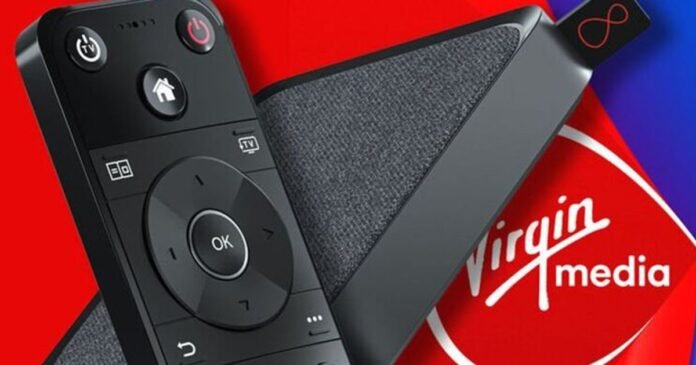

Virgin Media is introducing a significant upgrade to enhance the viewing experience for users on its TV platform. The update, as announced in a recent blog post by Virgin, focuses on improving the search function by incorporating more visual elements.
Currently, users navigate through a standard list view when searching for content. However, with the upcoming update, the search results will feature vibrant images instead of text lists.
Virgin confirmed the changes, stating, “We’re rolling out some helpful improvements to how you search on our Stream box and Virgin TV 360.” The aim is to eliminate the mundane search results and replace them with visually appealing image results, streamlining the process of finding desired content.
The update will be automatically deployed to devices such as the 360 and Stream boxes without requiring any user intervention. According to Virgin, users can expect the update to occur seamlessly without any additional steps from their end.
This enhancement is designed to help users discover content more efficiently, reducing the time spent scrolling through channels. Virgin’s search function enables users to search for specific shows, movies, genres, and actors.
To use the search function, users can press the magnifying glass button on the remote and input their query using Smart Search, which typically requires only a few letters. Alternatively, users can hold down the remote’s microphone button and verbally specify the content they are looking for.
Here are some examples of searches users can try with their remote:
– Type or say “John Wick” to find related shows and movies.
– Type or say “feel-good movies.”
– Type or say “reality TV.”
– Type or say “live sports tonight.”
By leveraging these search capabilities, users can easily navigate through the content available on Virgin Media’s TV platform.